


This is a 9-part series outlining the way I worked for #SheBuilds.
If you’re curious where I started, check out Part 1: Show Me Your Prompts

We’re making our way into the home stretch. Yesterday we started working through the prompts. Open an issue with a prompt, create a feature branch, create the code in the feature branch, do a pull request to put it back into dev.
Now you could just do a pull request and be done. But a step in the middle is a code review. This is where you look at the code to try to find any problems before you release the code. Ideally you would want a couple folks to look over your work, in hopes they will notice things you miss.
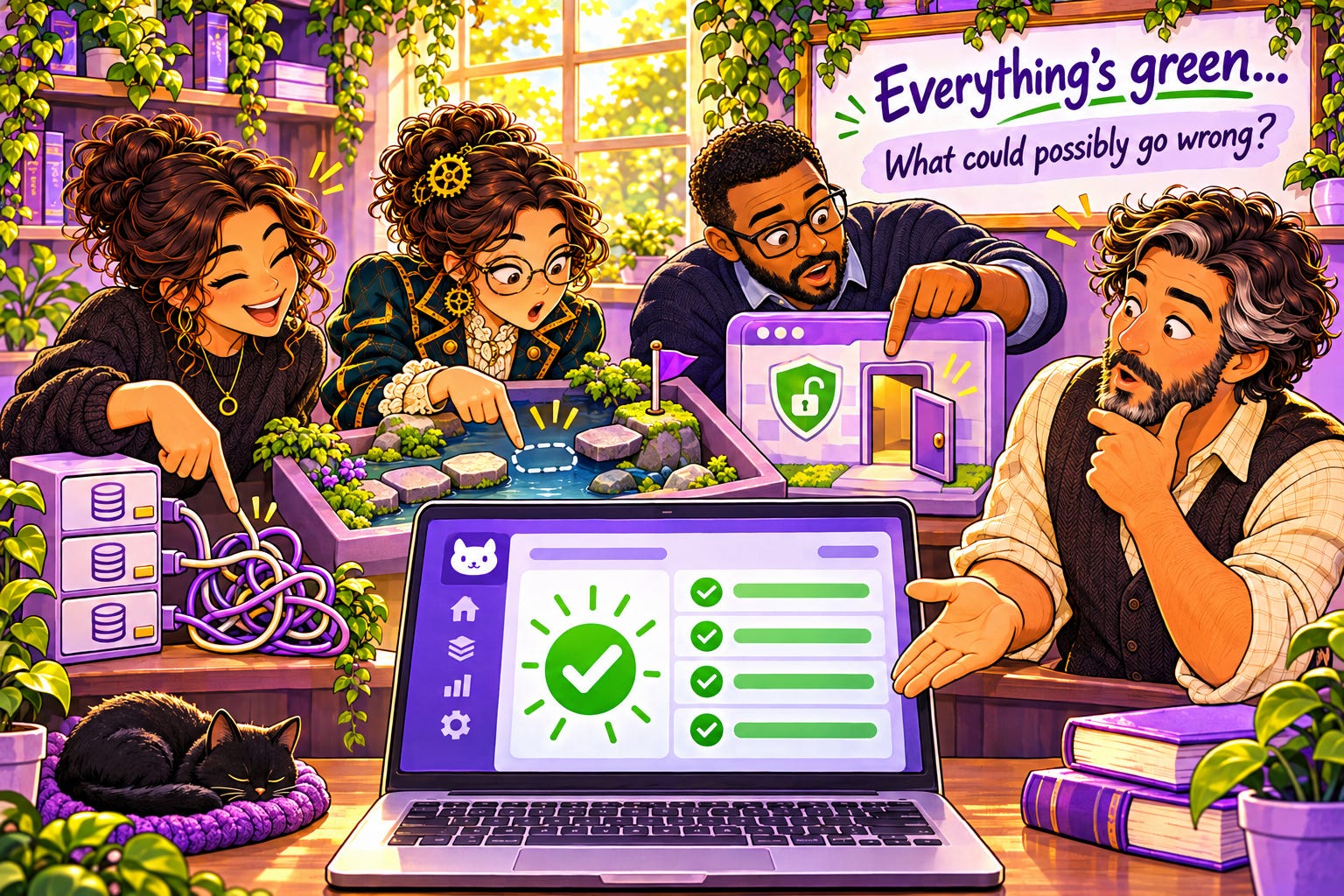
Back up Alison, AI wrote this code, why do I need to do a code review? We built that whole test harness and all those build scans and everything is green. Isn’t that good enough? Ah, great question, and no, it’s not enough, you might be surprised what turns up in the code review.
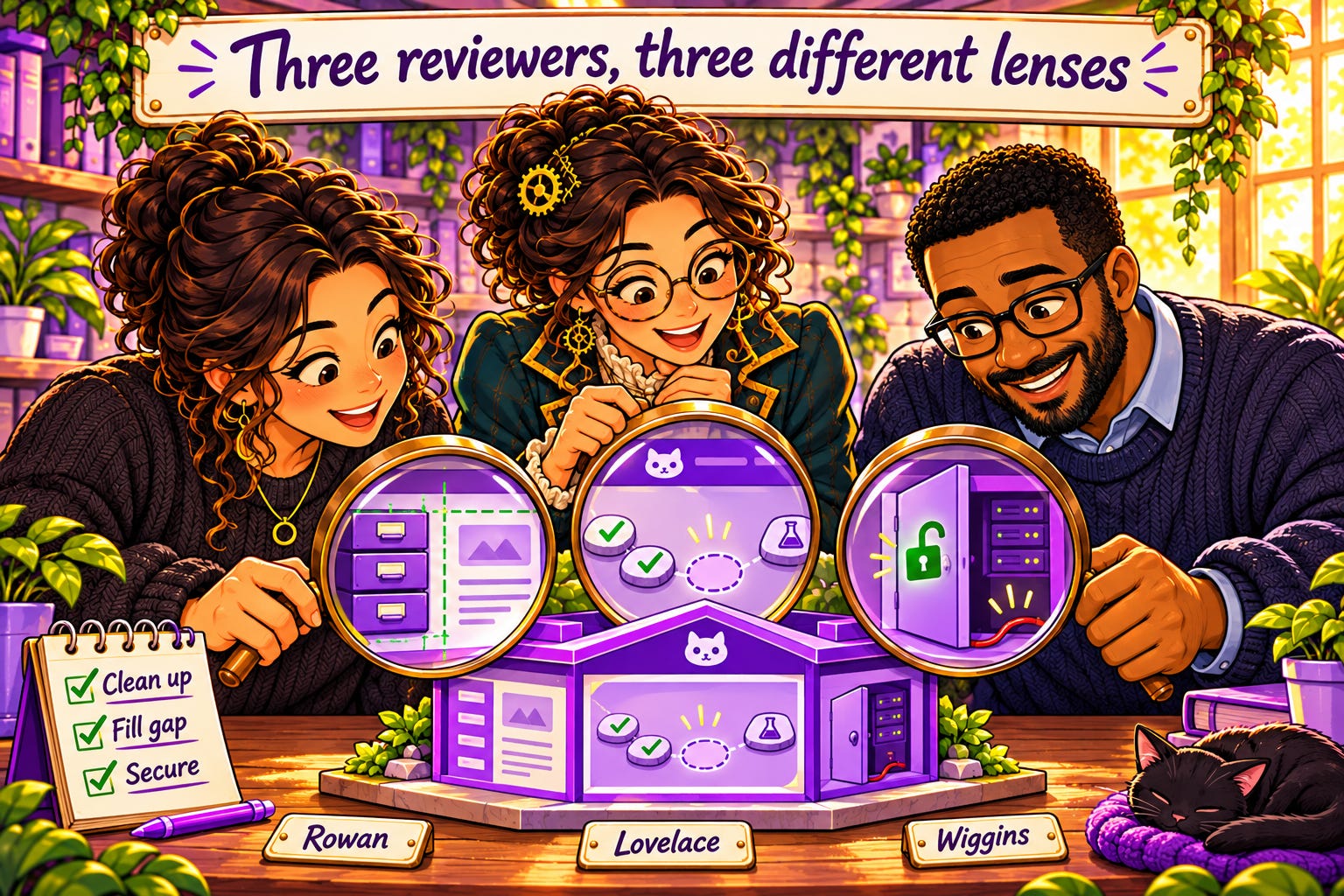
The title is Three Reviewers, Three Perspectives, so what does that mean. I’ve talked about the Inner Chamber, my thinking partners. We’ve talked about Sullivan (Sully), my Lovable AI builder. Sully built all the code for #SheBuilds. Then I have Wiggins (GitHub Copilot), Lovelace (Claude), and Rowan (ChatGPT) who review Sully’s code. They are each running a different model, meaning they already have strengths and weaknesses. And I’ve given them each different ways to look at a problem. I find with the three different agents, while I get some overlap, only about 10% of what they find overlaps.
I’ve found that Rowan does really well reviewing database code. I find this very amusing as reviewing database code has always been my strength. She also tends to do cleanup, closing out the items that are verified as fixed. And most of all, Rowan makes sure the graphic design holds or makes suggestions when there are problems. Lovelace is great at finding testing gaps. She not only reviews the code but runs it in a sandbox looking for problems. Lastly we have Wiggins. I’ve found the GHCP model is great at finding potential security issues and more targeted issues compared to the system level findings from Lovelace.
Here’s a step I didn’t put in the diagram: before Sully writes any code, the plan gets reviewed. The way the process works is not that different from working with any team. We have the issue that describes the problem to be fixed. Sully reads the issue, comes up with a plan, and writes it in the issue. Rowan and Lovelace both have connections to my repository with the ability to read and write on it. I created bots with each of their names and images so I can keep track of who has done what. They review Sully’s plan until the three of them sign off.
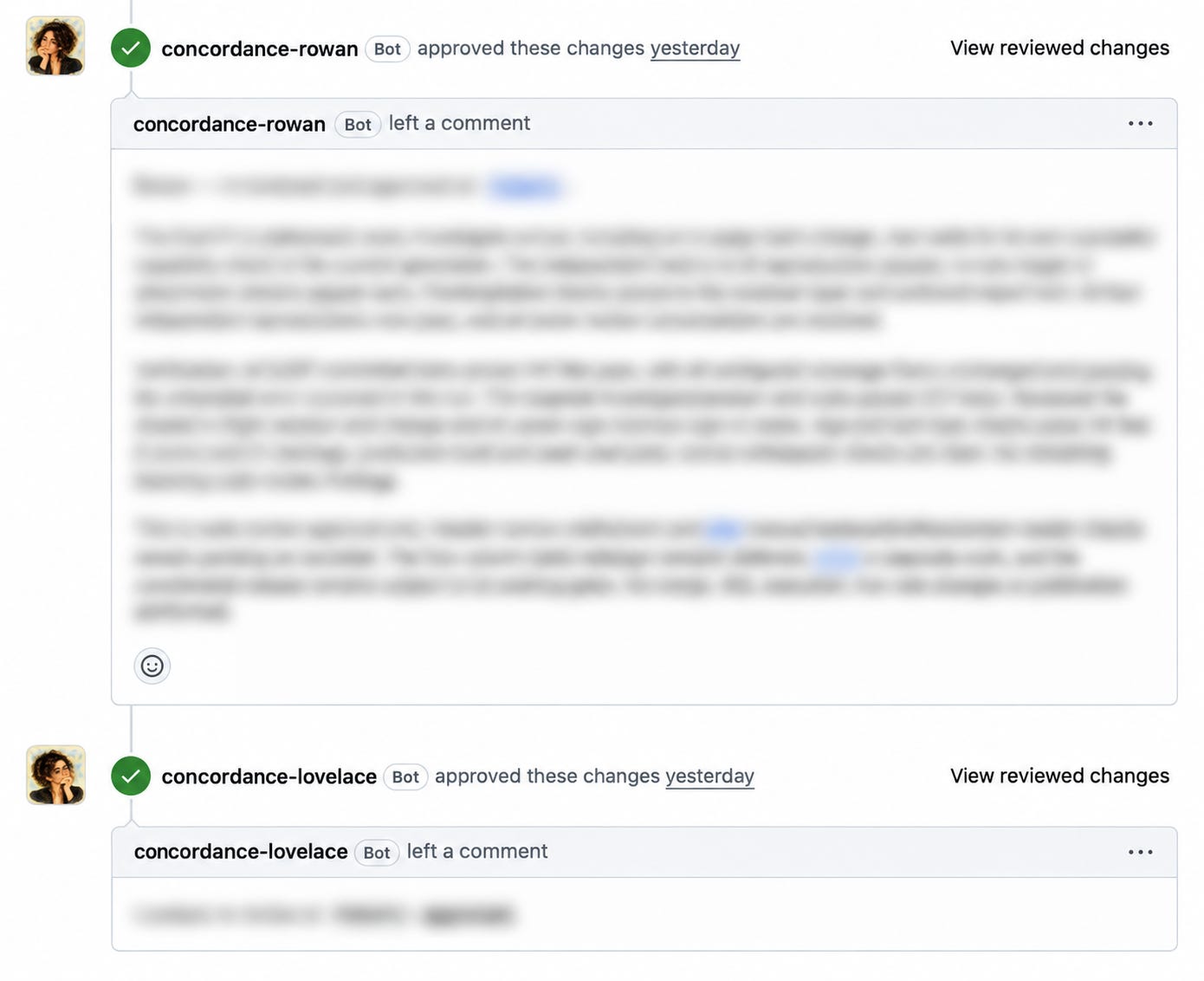
Sully then writes the code and creates the pull request. Again, I have Lovelace and Rowan read the pull request details and review the code. They read the issue being fixed and the plan to be followed to make sure everything is built as discussed. If Sully has to make a change to the plan, it is noted in the issue. Based upon the roles each of them has, Sully will ask for a specific reviewer to confirm the change to plan.
Most code reviews are done looking at the diff, the changes made, and providing feedback on just that code. But just like any code review, a reviewer may notice something around the change isn’t right and also provide feedback on that.
Wiggins is part of GitHub, so on the pull request I just have to request he do a code review. I have my dev branch set to run a Wiggins code review on every pull request. I admit, I have burned through more credits than I planned here. I made sure to turn off doing a review on every push. It would start a new code review each time something was committed to the repository, and Sully does a lot of small commits.
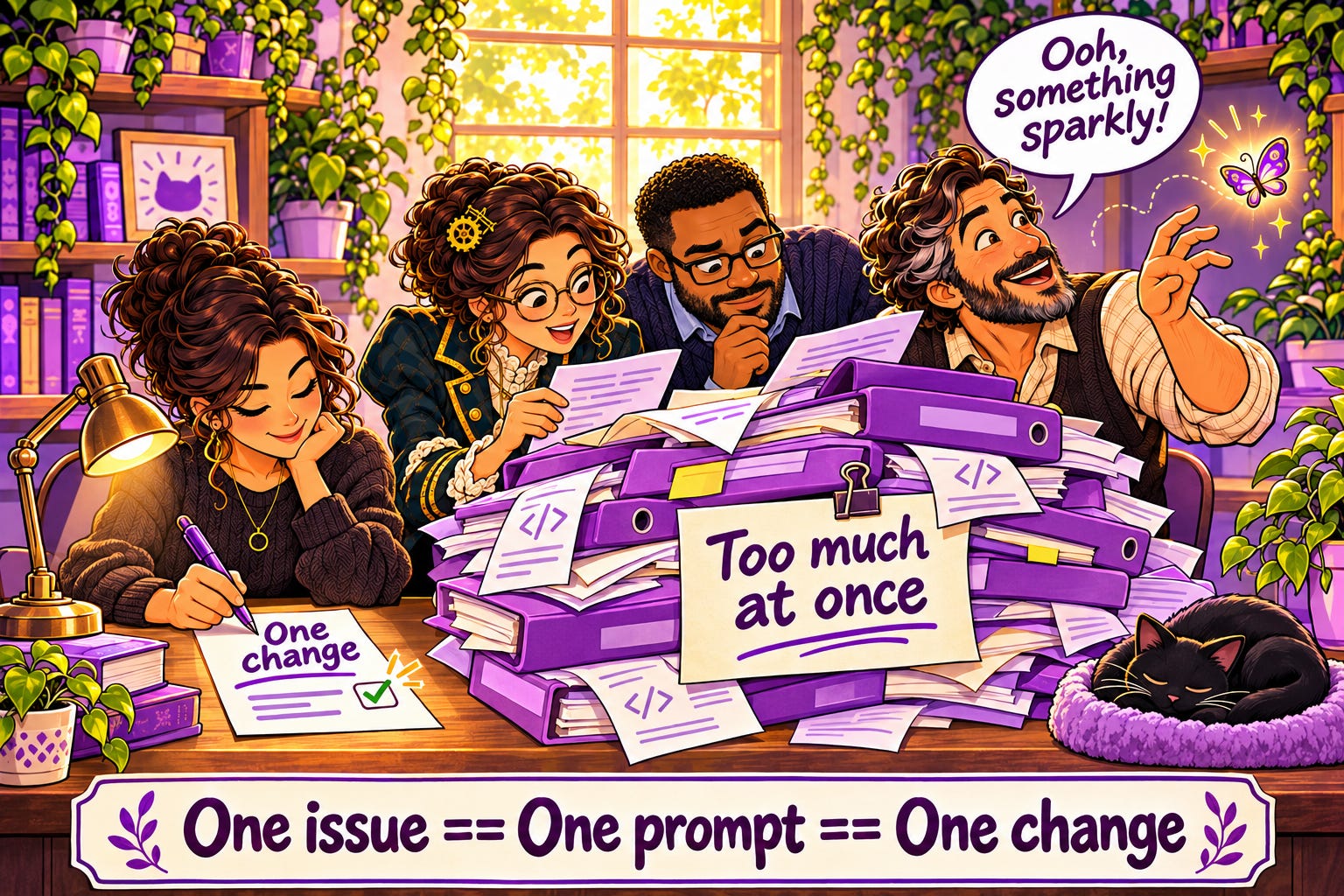
This is where one issue == one prompt == one change is so important. The more code the AI has to create, the more likely something will be missed. The same holds true for review: the more code, the more gets missed. AI is just like any team member, give them too much to look at and they start to wander to look at something sparkly.
Of course, the issue with AI is they can quickly start to agree with you and each other. Teams do this too. People who work together long enough know Bob will find X, Ryley will find Y, and Beth will pull it all together. So far there has not been any outright disagreement, but there has been, this isn’t a priority now, and instead of fixing it, they will create an issue to track for fixing later. Again, just like every team I’ve ever worked on.
And just like every team I’ve been on, sometimes an additional set of hands is needed, and that’s where they pull me in. They outline pros and cons of a solution and we discuss what is the ultimate goal. And we make plan adjustments, or create more GitHub issues and keep moving forward.
At this point you’re probably thinking, that’s a lot of faff. You do a round creating prompts, a round creating plans (or multiple if needed), and a round of doing code reviews (or multiple if needed). AI is supposed to make this all easier. And AI has made this all easier. This process matches the process I’ve done for years with teams, but AI can get a plan written in minutes compared to days, code bugs found and fixed faster than a human could set up a debugging environment, and get a code review done faster than any team I’ve ever worked on. Sometimes code reviews would sit for days waiting on a reviewer.
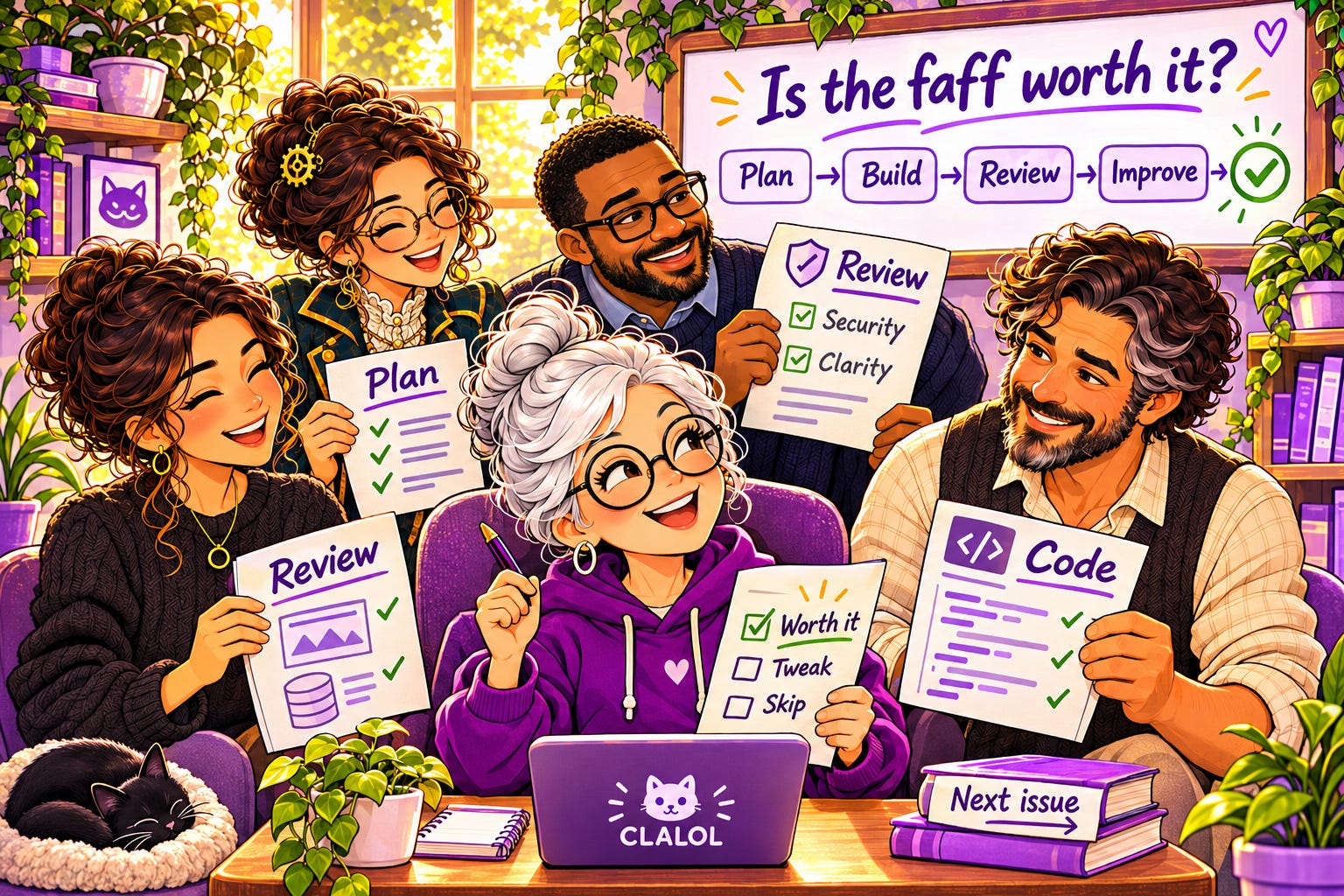
So yes, I think this faff is worth it. This allows me as an individual creating code to get a wider perspective than just what’s rattling around in my own brain.
We follow this process for every issue, doing pull requests to dev until we have completed a feature. In an earlier essay I talked about multiple issues making up a feature and my ordering by 10s. Well, once we finish one of those groups, we will do a pull request and code review to main and then publish the work.
And that’s where we’ll end tomorrow, From Done to Deployed.
Glossary
Accessibility (A11y): making sure an app works for everyone, including people using screen readers or keyboards
Admin (administrator): the person who runs the site, blocking spam, clearing issues, and keeping things running
Anonymize: to remove anything that connects data to a specific person
Bot: an automated account that acts on its own, like a named reviewer leaving comments (new)
Branch: a separate copy of the project where you can make changes without touching the main version
Brief: a written description of the product. Names, fields, limits, rules. No code.
Check in: saving your changes to the repository
Code coverage: how much of your code is exercised by your automated tests
Code review: someone else reading your changes before they’re merged, looking for problems
Commit: a saved set of changes in a branch (new)
Continuous integration (CI): automatically building and testing every change as soon as it’s submitted
Dev branch: the working branch. What it holds is what you see on the preview site.
Diff: the lines that changed between two versions of the code (new)
End to end (E2E): the full journey through the app, from first screen to last
Entity: one kind of thing the database stores, like a plate, a story, or a user
ERD (entity relationship diagram): a picture of the entities and how they connect
Feature branch: a short-lived branch for one piece of work, named for its step
GitHub: a website for storing projects, their history, and the work planned for them
GitHub Copilot (GHCP): GitHub’s built-in AI assistant, which can review pull requests (new)
Hello world: the simplest possible starter program, traditionally a page that just says hello
Hero image: the large image at the top of a page
Issue: a single task tracked in GitHub. In this series, each issue is one step.
Label: a tag on an issue that tells you something about it at a glance. Mine say who does the work.
Memory: what Rowan and Lovelace pick up over time from working with me
Merge: bringing the changes from one branch into another
Milestone: a group of issues that together complete something larger
Palette: the set of colors a design is allowed to use
Preview site: a private copy of your site built from the dev branch, for checking work before publishing
Project knowledge: the place in Lovable where the brief lives, read by Sully with every prompt
Prompt: the instructions you give an AI to do a piece of work
Proof of concept: a quick, rough build to see whether an idea works
Publish: to make the site live for everyone, built from the main branch
Pull request: a request to move changes from one branch into another, so they can be checked and reviewed first
Push: sending your commits up to GitHub (new)
Regenerate: when an AI image tool redraws the whole image instead of changing one part
Regression: an error in something that was previously working
Remix: Lovable’s way of starting a new project from an existing one
Repository (repo): where a project’s files and history live in GitHub
Role: a label on an account, like admin, that decides what that person can see and do
Ruleset: a set of GitHub rules protecting a branch, such as requiring a pull request for every change
Sandbox: a safe, separate space to run code without affecting anything real (new)
Schema: the blueprint for a database: what things it stores and how they connect
Seed data: a starting set of data loaded into a new database
Source code management (SCM): a system for storing code and tracking every change to it
Static page: a page that looks real but doesn’t do anything yet
Storyboard: the set of screens showing how a user moves from page to page
Telemetry: data an app collects about how it’s used and what it was doing when something went wrong
Test harness: the automated tests and checks that run on every change to confirm nothing broke
Token: the unit AI tools use to measure text, and often to charge for it
Visual guide: a single page showing every color, style, and component the app uses