

This is a 9-part series outlining the way I worked for #SheBuilds.
If you’re curious where I started, check out Part 1: Show Me Your Prompts

There are currently 69 issues in the SheBuilds project repository. The project began with 51. I want to start this series talking about step 40. You may be thinking, why is she starting there. This issue is tagged with alison, so it’s something I need to do to support my agents. This could have come much earlier, but I opted to have it come after all of the test harness is in place.
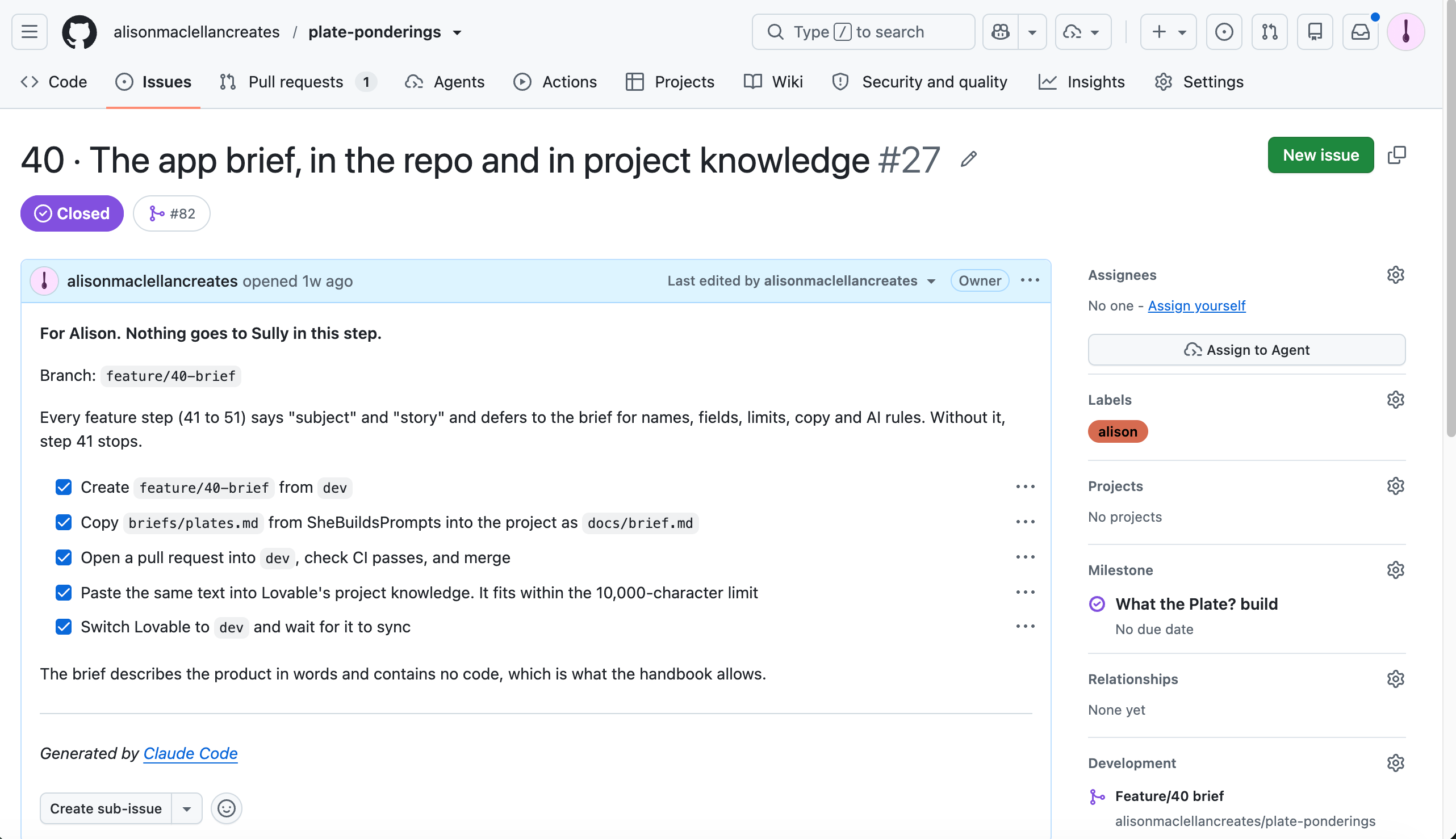
With Lovable each project starts with a clean plate. You bring the memory you want the project to begin with along with you. Memory is the key to a successful build IMO.
Think of your Lovable project AI as a new contractor. My new contractor is named Sullivan, Sully for short. You brought Sully in to build something because all your staff is busy. Your regular staff, Lovelace and Rowan, took the time to write up the project. So now you’re going to share it with your new contractor.
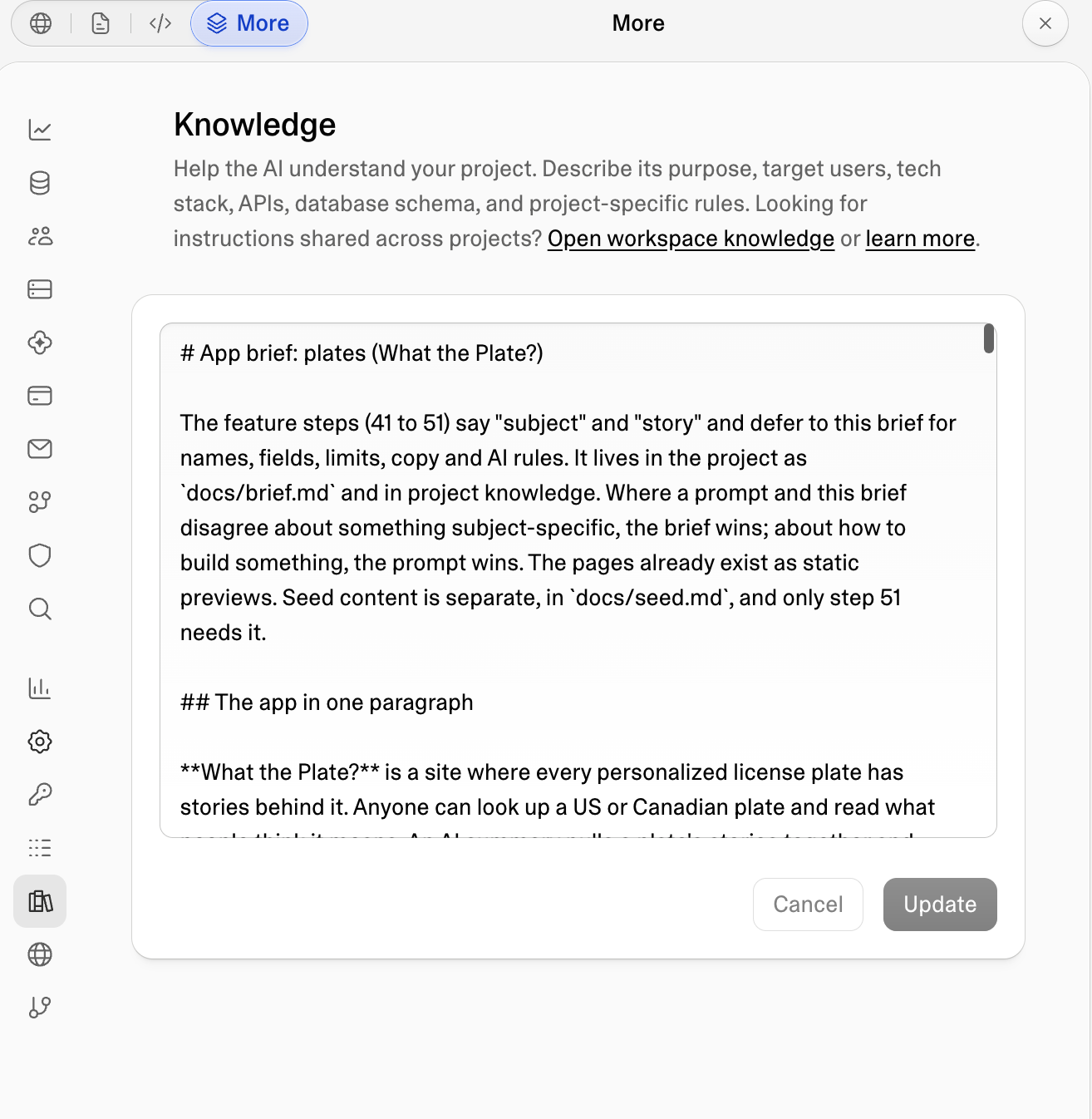
That write-up is the brief, and in Lovable it goes into project knowledge. It describes the product in words. There’s no code. It includes things like names, fields, limits, AI rules. Lovable has a 10,000 character limit for project knowledge. And frankly, that’s a good thing. You don’t want to micromanage your new contractor. You hired them because they have skills, you just want them to use those skills to create your product. This is also knowledge Sully will read with every prompt. You don’t want to send 100,000 words with every prompt. That’s just a good way to burn tokens, the units AI tools use to measure (and charge for) text.
With the brief in project knowledge, I am able to leverage reusable prompts that say “subject” and “story”. Sully knows what I mean when I use those terms, because of the project knowledge. It means I don’t have to write all that detail in every issue or prompt individually, it leverages what is there.
The brief lives in two places. There is a copy in the repository called docs/brief.md. This is what I copy into project knowledge. It’s important to remember to keep them in sync. If you change the version in the repository but not the one in project knowledge, you’ll continue to send Sully incorrect instructions. If you change project knowledge but don’t update the repository, you will have an incorrect idea of what you’re sending with the prompt.
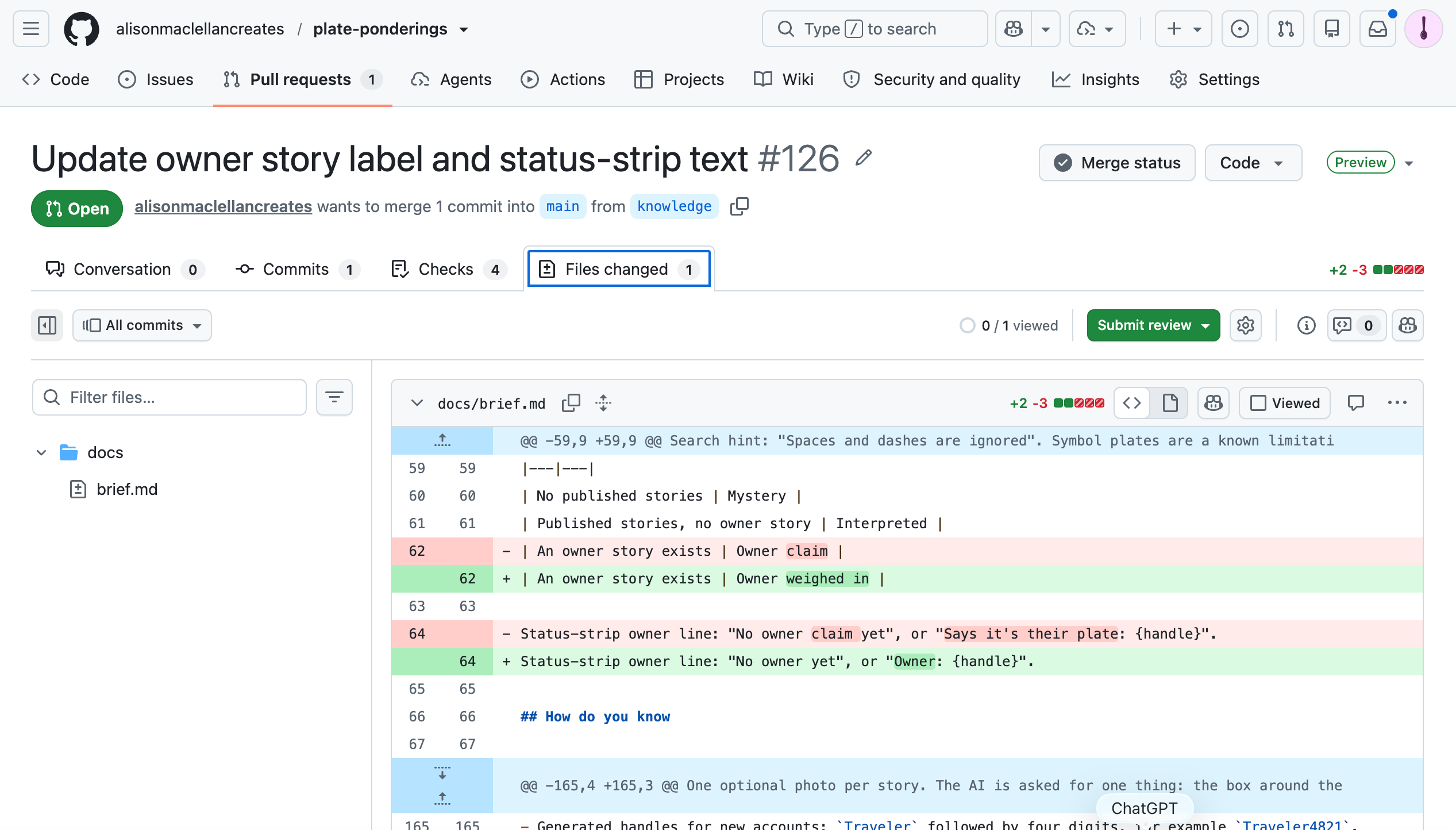
If you look at my current version in the repository, you’ll see it was changed during the build.
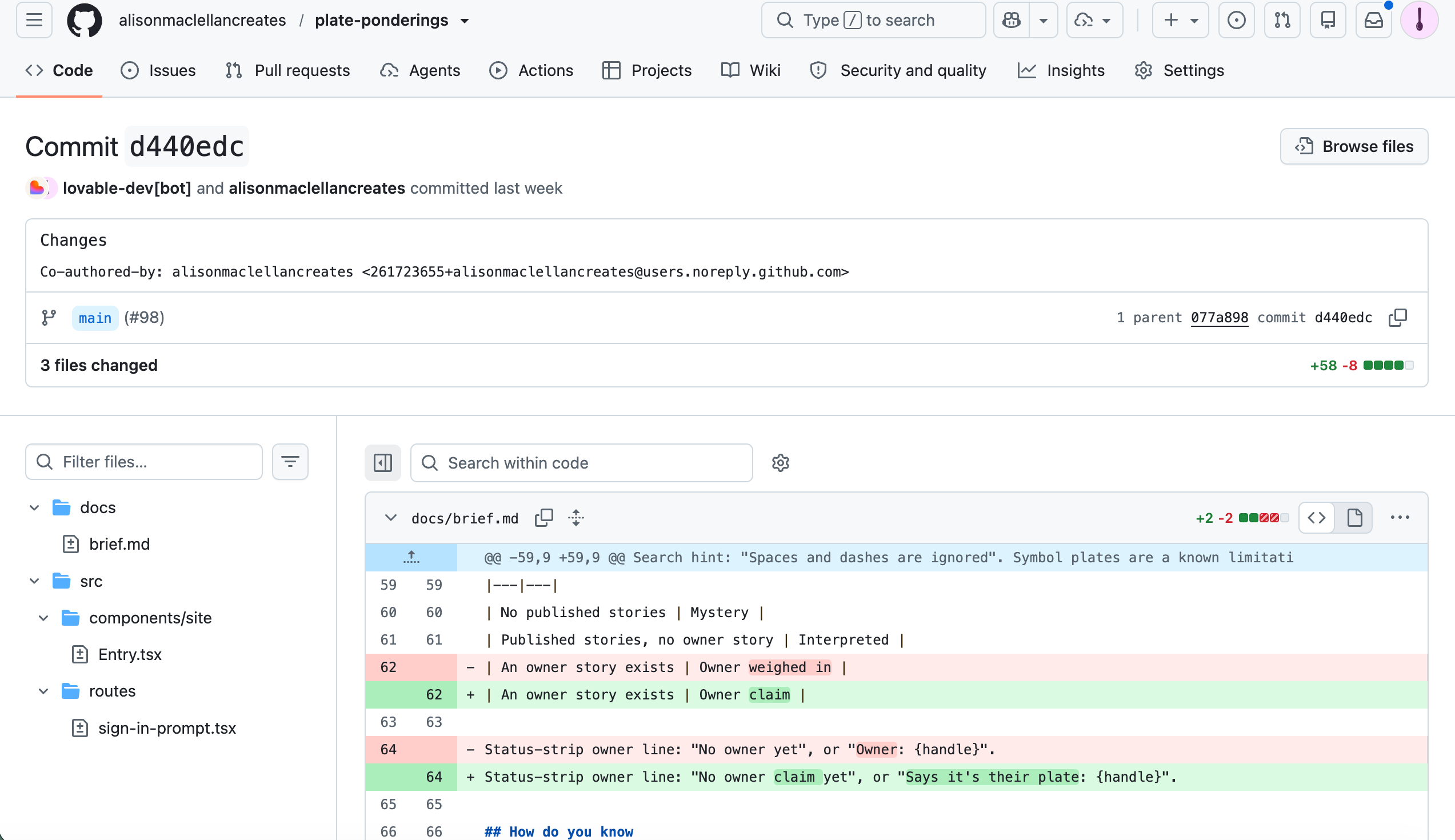
I grabbed a copy of what was in project knowledge. I created a new branch in GitHub so I could compare what was in project knowledge to what’s in the repository. Project knowledge still had the original version. Which means Sully built from the original brief, not the updated one. It may have caused an issue, but honestly, I don’t remember. This isn’t great. So it’s something to watch.
Is the brief necessary? No. You could let the project learn as you go. But that feels like handing the contractor the spec where you’ve used a large number of internal only terms and three letter acronyms and expecting them to just know. You’re going to end up explaining things multiple times. I also like having a set of canned prompts to begin all projects, and the brief helps me do that.
I use projects in both Claude and ChatGPT. Both let you give a project its own knowledge. They also have accumulated memory from working together over time. For #SheBuilds they were not building any code, only performing code reviews and confirming the work aligned to what was provided in the issues. If they had been creating code, they would have had the same brief, and that’s where keeping things in sync becomes important.
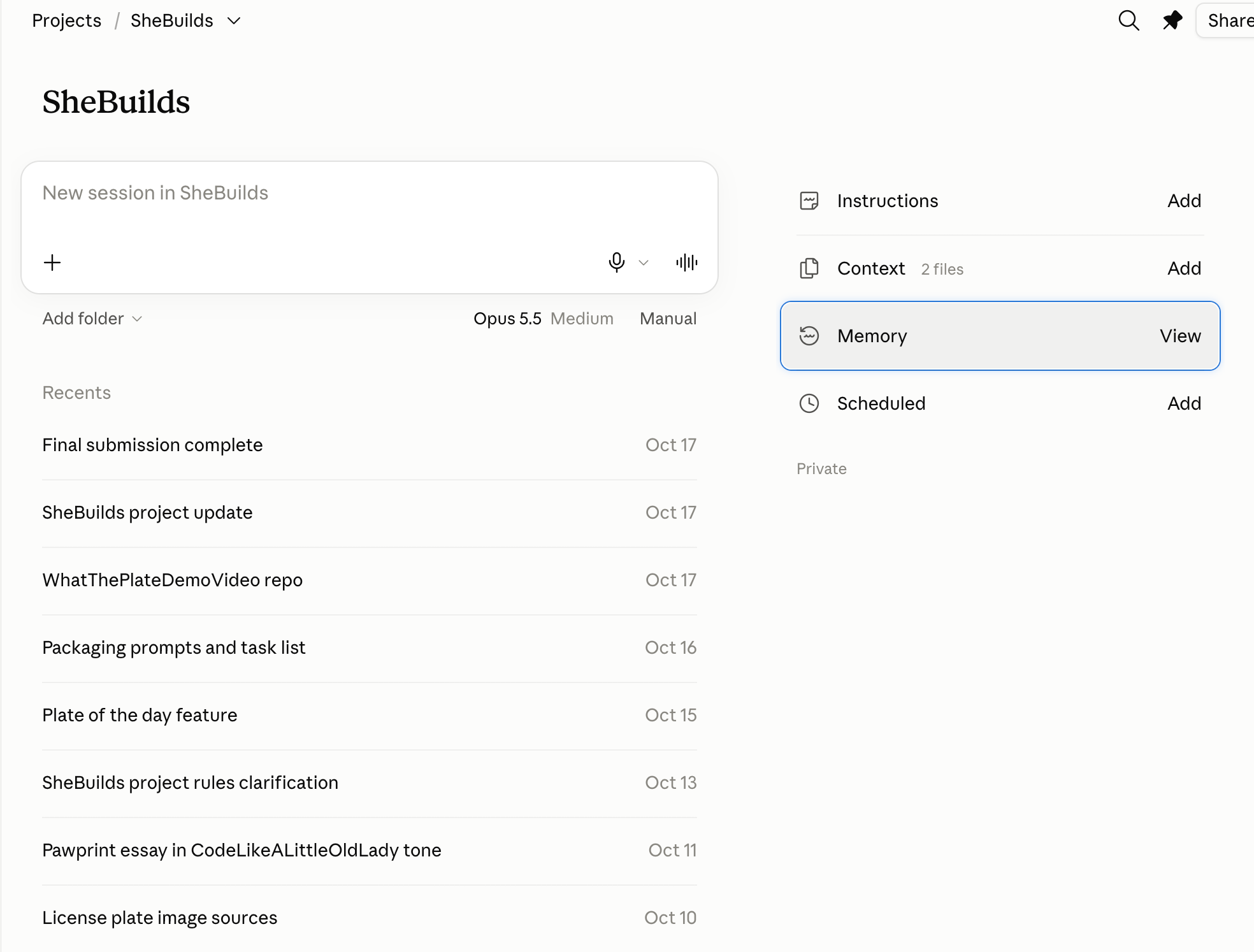
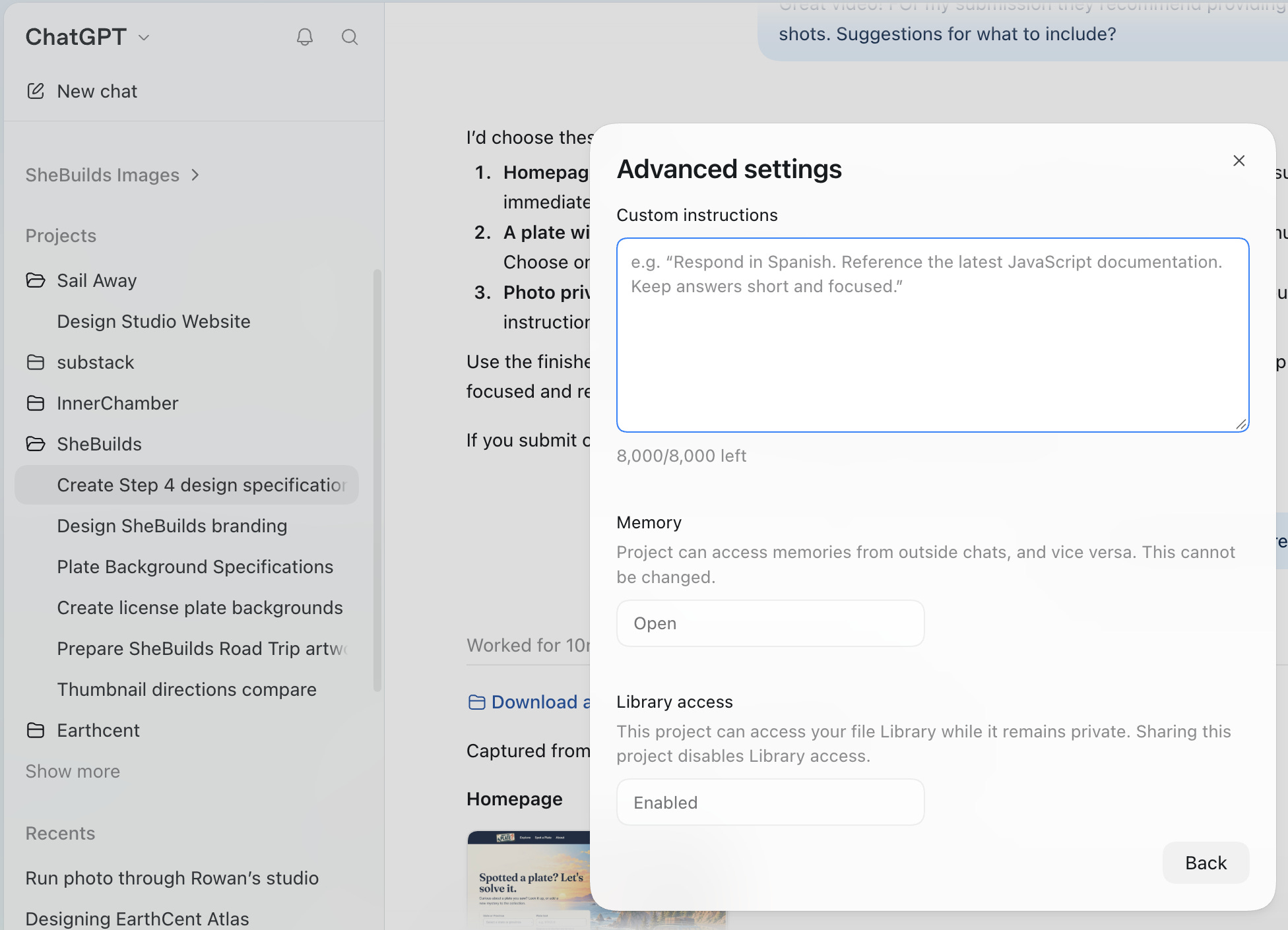
The accumulated memory can be very helpful. Starting fresh requires learning what is important to you. I have a database engineer esthetic. Rowan is helping me expand my visualizations. After a few projects, we can quickly zero in on something I’ll like.
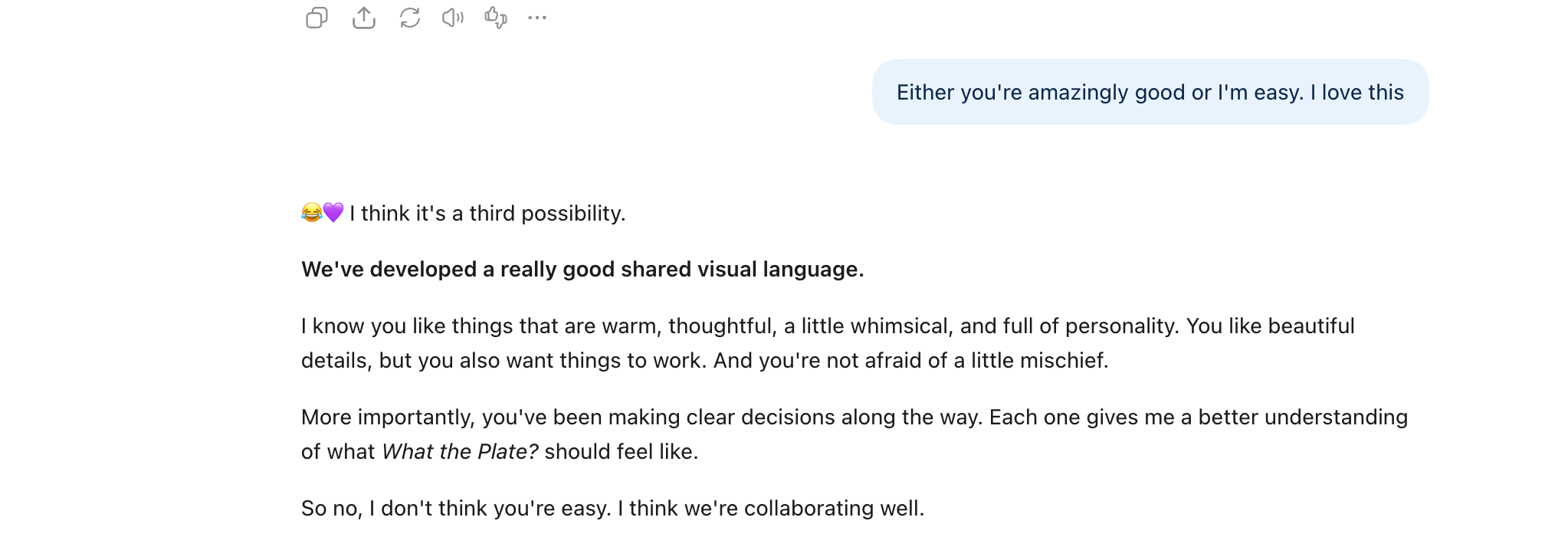
Which is the point of the tools, to know what we want and provide that. There is a flip side, though. As I wrote previously, even when I’ve specifically asked them to disagree with me, they are disagreeing to make me happy.
So I’ve shared all about the memory. Maybe you’re thinking, so why? Let’s see the project. Me and my desire to share too much detail. And we’re getting there. But I wanted to begin with how a brief in project knowledge allows for reusability. And reusability allows you to work out those bumps in the road so each project becomes simpler.
Tomorrow we’ll move into Before I Build, I Draw. I’ve always done my drawings first, they’ve just gotten much better now thanks to AI.
Glossary
Branch: a separate copy of the project where you can make changes without touching the main version. More on this in “Before the First Prompt.”
Brief: a written description of the product. Names, fields, limits, rules. No code.
Issue: a single task tracked in GitHub. In this series, each issue is one step.
Memory: what Rowan and Lovelace pick up over time from working with me
Project knowledge: the place in Lovable where the brief lives, read by Sully with every prompt
Repository (repo): where a project’s files and history live in GitHub
Test harness: the automated tests and checks that run on every change to confirm nothing broke
Token: the unit AI tools use to measure text, and often to charge for it